
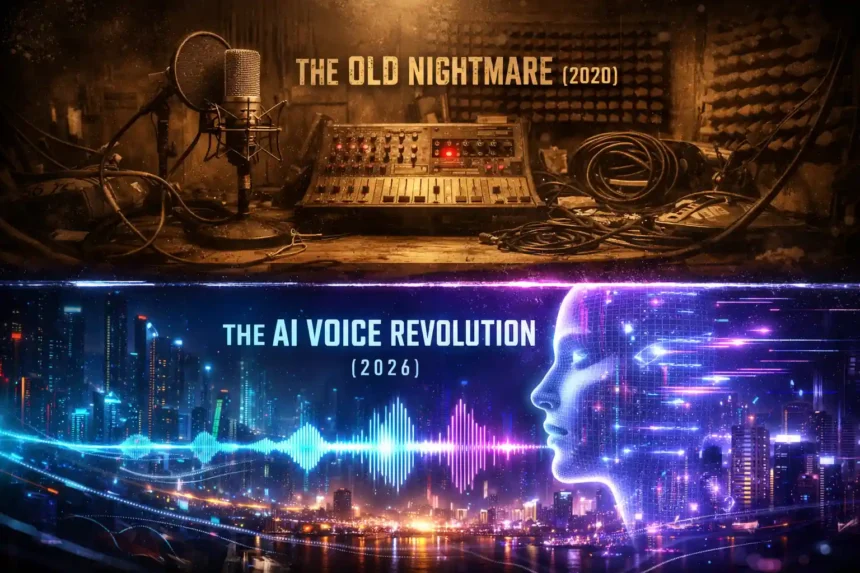
Recording professional voiceovers is a nightmare. You need a soundproof room, an expensive microphone, and hours of editing. And hiring ai voice actors? That’s expensive and slow.
- The End of the Robot Voice Era
- 1. The “Quality” King: ElevenLabs
- 2. The “No Sign Up” Hero: TTSMaker
- 3. The Unlimited Hack: Microsoft Clipchamp
- 4. The “Actor” Replacement: Speechify
- 5. The “Techy” Option: Fish Audio (Open Source)
- Deep Dive: How to Edit AI Voiceovers (Audio Engineering)
- Monetization & Copyright: Can You Earn Money?
- Final Verdict: Which Tool Should You Use?
In 2026, you don’t need to speak to be heard. The new wave of best ai voice generators can turn your script into human-sounding audio in seconds. Whether you need an ai voice generator free no sign up tool for a meme or professional software for a documentary, we found the top 5 tools that actually sound real.
Quick Download Guide: Top 5 Voice Tools
| Tool Name | Best For | Cost | Sign Up Required? |
| ElevenLabs | Hyper-Realistic Emotion | Free Plan | Yes |
| TTSMaker | Unlimited & Commercial | Free | No |
| Microsoft Clipchamp | Unlimited YouTube Videos | Free | Yes (Microsoft) |
| Speechify | Reading Documents | Free Plan | Yes |
| Fish Audio | Voice Cloning | Free | Yes |
The End of the Robot Voice Era
If you are still using that annoying, robotic text-to-speech (TTS) voice from 2020, you are killing your audience retention. Viewers today expect high quality.
The modern ai voice generator from text uses advanced Deep Learning (similar to GPT-4) to understand context. If your script says “I can’t believe it!”, the AI knows to whisper it with shock. If it says “Hurry up!”, it adds urgency. This “Prosody” (emotional tone) is what separates the best ai voice generators from the trash.
According to The Verge, over 40% of faceless YouTube channels now use synthetic media because it scales faster than human recording. Below is the deep-dive guide on how to master these tools.
1. The “Quality” King: ElevenLabs
If quality is your #1 metric, ElevenLabs is the undisputed king. It is widely recognized as the single best ai voice generator from text available today.
The Catch:
It is not unlimited. The free plan gives you ~10,000 characters per month (approx. 10 minutes of audio). Use this for your “Hero Content”—like intro videos, ads, or important announcements—where quality matters more than quantity.
Why It Wins:
It allows you to control the “Stability” and “Clarity” of the voice. You can make it sound stable like a news anchor, or expressive like a storyteller.
Masterclass: How to Get the Perfect Voice
Most people use the default settings and sound average. Follow this workflow:
- Sign Up: Go to [sandigdh link hata diya gaya] and create a free account.
- Voice Selection: Go to the Voice Lab > Search for > “Marcus” (Deep, authoritative) or “Nicole” (Soft, storytelling).
- The Secret Settings:
- Stability: Set this to 35-40%. Lower stability allows the AI to have natural fluctuations (like real humans). If it’s 100%, it sounds robotic.
- Similarity Boost: Set this to 75%.
- Prompt Engineering: Use punctuation to control speed.
...adds a long pause.!adds excitement."Quote"changes the tone to mimic a specific speaker.
Commercial Rights:
The free plan requires attribution (you must mention ElevenLabs in your description). If you need full rights without credit, you’ll need the Starter tier.
| # Video Guide: Match the Audio |
| Got the perfect voice from ElevenLabs? Now you need visuals. Don’t use boring stock footage. Generate your own clips using these free AI video tools. Read Guide: Best Free AI Video Generator Without Watermark (2026) |
2. The “No Sign Up” Hero: TTSMaker
You want something fast? You don’t want to give your email to another company? This is it. TTSMaker is the leader of the ai voice generator free no sign up category.
Why It Wins:
- Zero Barrier: You open the website, type text, and download MP3. No login, no credit card.
- Commercial Rights: Unlike others, they let you use the audio for YouTube monetization for free (just check their latest terms).
- Volume: It supports unlimited characters (split into chunks), making it perfect for long scripts.
Tutorial: How to Create a Viral Voiceover in 30 Seconds
- Go to Site: Search for “TTSMaker” on Google.
- Input Text: Paste your script. Keep it under 2000 characters per chunk to prevent server timeouts.
- Select Voice:
- English (US) – Christopher: Sounds like a movie trailer narrator.
- English (US) – Michelle: Perfect for news or educational content.
- Speed Hack: Set the speed to 1.1x. This is the “TikTok Speed” that keeps retention high.
- Verification: Enter the captcha code.
- Download: Click “Convert” and then “Download MP3.”
Pro Tip: Since there is no login, the site doesn’t save your history. Download your files immediately or you will lose them.
3. The Unlimited Hack: Microsoft Clipchamp
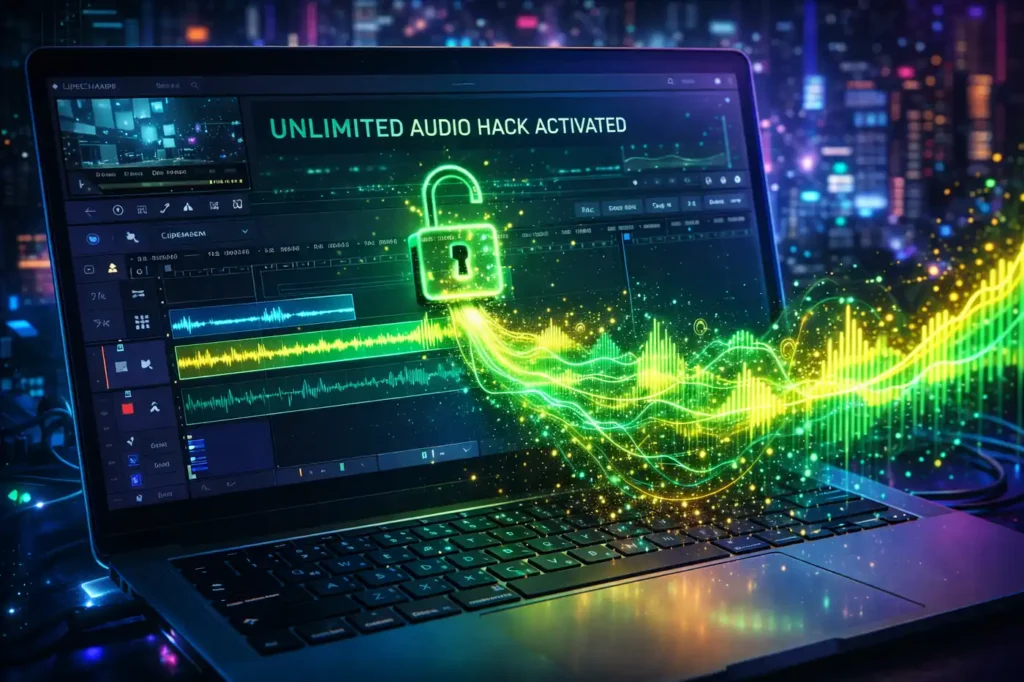
Here is a secret that most creators miss. Microsoft has a video editor called Clipchamp (built into Windows 11), and inside it, there is a hidden ai voice generator software feature that is completely unlimited.
Why It’s a Cheat Code:
It uses Microsoft Azure’s premium “Neural Text to Speech” voices (which usually cost developers money) but gives them to you for free as long as you use their video editor.
How to Unlock It:
- Open Clipchamp: Search for it in Windows or go to app.clipchamp.com.
- Create Video: Click “Create a new video.”
- Locate the Tool: On the left sidebar, click “Record & Create” -> “Text to Speech”.
- Choose a Voice:
- Jenny (Multilingual): The gold standard. Very natural.
- Guy: Good for casual content.
- Customize: You can change the “Vocal Style” (e.g., Cheerful, Sad, Terrified). This is a premium feature in other apps, but free here.
- The Export Hack:
- Generate the audio. It will drop onto the video timeline.
- Export the “Video” (even if it’s a black screen) as 480p (fastest).
- Use an online “MP4 to MP3” converter.
- Result: Unlimited, high-quality voiceover for free.
4. The “Actor” Replacement: Speechify
If you are looking for ai voice actors to narrate audiobooks or long documents, Speechify is the market leader. While their primary focus is accessibility (reading web pages to you), their creation studio is excellent.
Best For:
- Listening: Turning PDFs, emails, and articles into a podcast you can listen to at the gym.
- Celebrity Voices: They have officially licensed voices like Snoop Dogg and Gwyneth Paltrow (available in paid tiers/trials).
Studio Quality:
Speechify’s “Studio” tool allows for granular control over pitch and pauses. It is excellent for educational content where clarity is more important than dramatic flair.
5. The “Techy” Option: Fish Audio (Open Source)
For those who are technical or care about privacy, Fish Audio is a rising star in the open-source community. It allows for high-fidelity voice cloning, meaning you can upload a 10-second clip of your own voice, and it will generate an ai voice generator from text model that sounds just like you.
Why Open Source Matters:
Tools hosted on platforms like Hugging Face often allow you to run the model on your own computer. This means no limits, no monthly fees, and total privacy.
Voice Cloning Ethics:
Fish Audio is powerful.
- Warning: Use this ethically. Do not clone celebrities or politicians without permission. Platforms like YouTube are cracking down on “Deepfakes” (See YouTube’s AI Policy).
| Thumbnail Guide: Need Art? |
| Your audio is ready, your video is ready. Now you need a click-worthy thumbnail. Use these free tools to generate stunning AI art. Read Guide: Best Midjourney Free Alternative: Unlimited Tools (2026) |
Deep Dive: How to Edit AI Voiceovers (Audio Engineering)
Even the best ai voice generator from text isn’t perfect. Sometimes there is weird background hiss or the pauses are too long. To sound professional, you need to post-process the audio.
You don’t need expensive software like Adobe Audition. Use Audacity (Free & Open Source).
The 3-Step Polish Routine:
- Truncate Silence: In Audacity, use the “Truncate Silence” effect. This automatically removes unnatural long pauses between sentences that AI sometimes leaves.
- Settings: Detect Silence: -20dB, Duration: 0.5s.
- EQ (Equalization): AI voices can sound “thin.” Use the “Bass Boost” curve in the Equalizer to add warmth and authority to the voice.
- Normalization: Use the “Normalize” effect to bring the volume up to -1.0dB. This ensures your video is loud enough for YouTube without clipping.
You can download Audacity for free from their official website.
Monetization & Copyright: Can You Earn Money?
This is the most critical question for creators. Can you use an ai voice generator free no sign up tool on a monetized YouTube channel?
The Short Answer: Yes, but read the fine print.
- YouTube’s Stance: YouTube does monetize AI content. However, they now require you to check a box in YouTube Studio labeled “Altered Content” if the AI depicts something realistic. For simple voiceovers, you generally don’t need to flag it unless it’s impersonating a real person.
- Tool Licenses:
- ElevenLabs Free: Requires attribution.
- TTSMaker: Generally free for commercial use.
- Clipchamp: Content created with Microsoft’s stock assets is generally allowed for commercial use on platforms like YouTube.
Avoid This Mistake:
Never take a copyrighted audiobook (like Harry Potter), run it through an ai voice generator, and upload it. That is copyright infringement of the text, even if the voice is AI.
Final Verdict: Which Tool Should You Use?
It depends entirely on your project’s budget and goal. Here is my “Real World” advice based on different scenarios:
- For Viral Shorts/Reels: Use TTSMaker. It is fast, requires no login, and the voices are recognizable. It is the best ai voice generator free no sign up option.
- For High-End Documentaries: Use ElevenLabs. The “Pre-made” voices sound indistinguishable from human narrators. It is the premium ai voice generator from text standard.
- For Long-Form YouTube (Zero Budget): Use the Clipchamp Hack. It is the only reliable way to get unlimited, high-quality audio without paying a monthly fee. It is the best unlimited ai voice generator software hack in 2026.
Stop recording in your closet under a blanket. Use these tools to automate your production, scale your content, and save thousands of dollars on hiring talent.
Frequently Asked Questions (FAQs)
What is the best free AI voice generator with no sign up?
TTSMaker is the best option. It allows you to use its ai voice generator free no sign up feature instantly and includes commercial rights.
Can I use AI voices for YouTube monetization?
Yes, platforms like ElevenLabs and TTSMaker allow commercial use. However, you must adhere to YouTube’s AI content guidelines regarding disclosure.
Which AI voice sounds the most human?
ElevenLabs currently holds the crown for the most realistic ai voice generator from text. Its proprietary “Generative Voice AI” captures breath and pacing better than any competitor.
Are there any unlimited free AI voice generators?
Yes, Microsoft Clipchamp offers unlimited text-to-speech via its video editor. It is a hidden gem for creators looking for an unlimited ai voice generator from text.
Is cloning voices legal?
It is a gray area. Generally, you cannot use a cloned voice for commercial gain or defamation without consent. Always refer to legal resources like the EFF for updates.